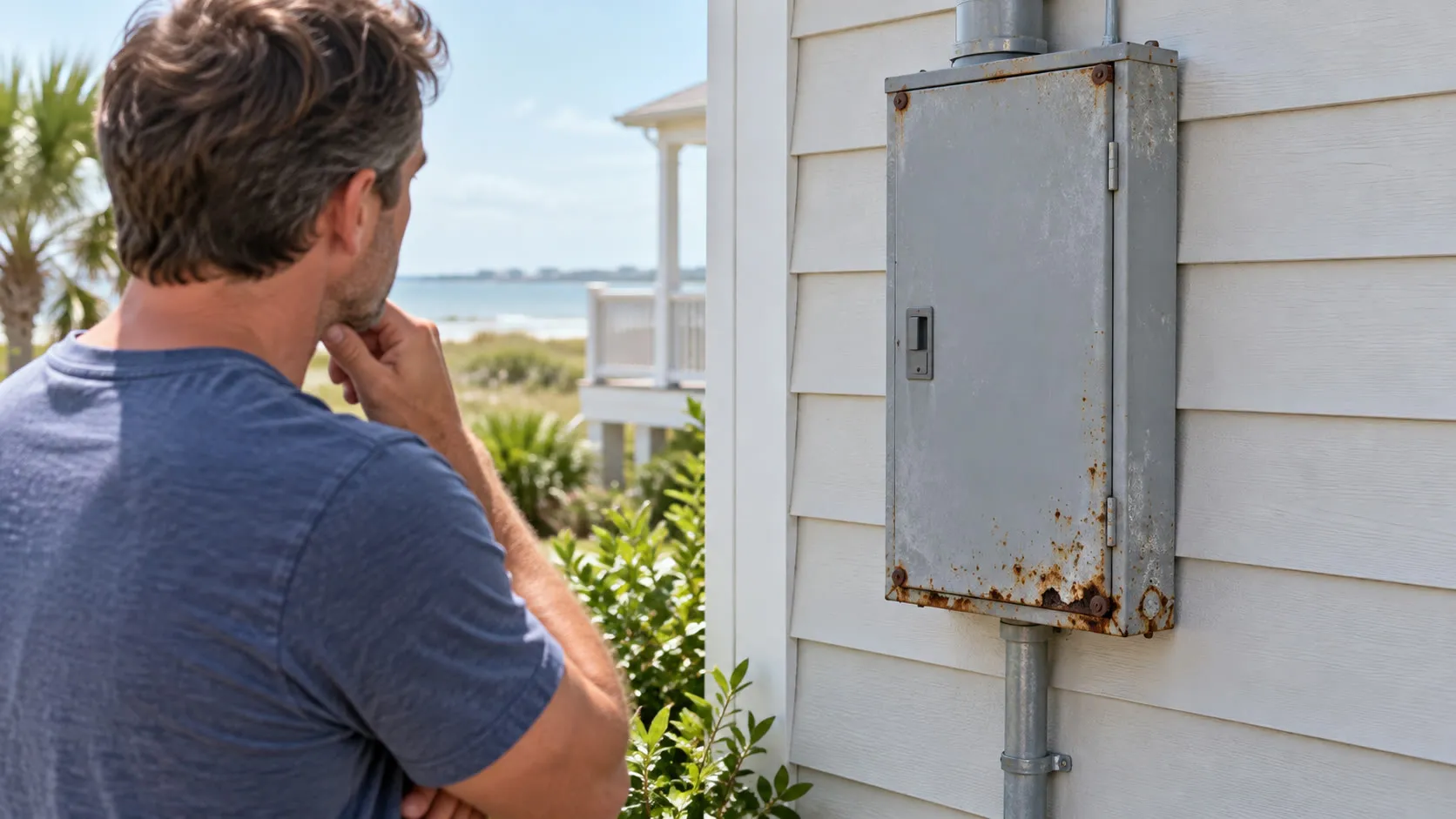
A commercial electrician can learn more from a repeatable 30-second pattern than from a report that “the power acted weird.” A breaker that trips only when the ice machine starts, point-of-sale terminals that reboot at the same time every afternoon, or lights that brighten when a rooftop unit shuts off are clues a business owner or manager can capture without opening a panel. Coastal Comfort Electric’s commercial electrical repair service helps Wilmington-area businesses turn those clues into a site-specific assessment.
This checklist focuses on problems that are easy to dismiss because the business keeps operating afterward. It explains what pattern makes each symptom useful, what your team can check safely, and what to record for the service call. It does not ask employees to diagnose wiring, remove covers, touch damaged equipment, or decide how much of the building must be shut down.
1. The Breaker Trip Has A Schedule
“It only happens sometimes” is not random if it happens during the same part of the workday. The useful clue may be that a breaker trips when refrigeration cycles after a defrost, when several kitchen appliances begin preheating, when the copier wakes up, or when HVAC equipment starts during the afternoon heat.
What a manager can check: write down the exact time and ask what turned on during the previous minute. Check ordinary equipment displays and logs for a matching startup or fault time. If one portable device was recently added and can be taken out of service with its normal controls, leave it off rather than moving it to another random receptacle.
Why it matters: the timing can help separate a one-off equipment event from a repeatable load, circuit, or equipment problem. Do not repeatedly reset the breaker to reproduce the trip; that erases the operating sequence and may re-energize a fault.
Report: the breaker or area, trip time, equipment operating at that moment, recent additions, and whether the trip occurs at opening, closing, cleaning, defrost, or peak production.
2. A Hot-Plastic Smell Appears, Then Disappears
An intermittent odor is easy to dismiss after a motor stops or the building cools. The source may be a plug-in device, cord, motor, connection, panel, or another component, and the odor may travel through an HVAC system rather than remain beside the problem.
What a manager can check: note where the odor is first noticed—not merely where it becomes strongest—and what had just started or stopped. Review whether employees have reported the smell on earlier days at the same time. Use normal controls to take a clearly suspected portable device out of service only if no one must approach heat, damage, smoke, or exposed parts.
Why it matters: a disappearing smell does not prove the condition corrected itself. A repeating warm-up or high-load pattern can give the electrician a much better starting point than “we smelled something last week.”
Report: first location, time, duration, equipment state, HVAC operation, and any discoloration, heat, noise, or trip. Do not keep equipment running to make the smell return.
3. The Buzz Happens Only When Something Else Runs
A low hum from some equipment may be normal. A new buzz, sizzle, or crackle that begins when another load starts is more useful evidence—especially if the sound comes from a receptacle, switch, disconnect, closed panel, or power strip rather than from the machine itself. The Electrical Safety Foundation International’s wiring guidance treats unusual electrical sounds as a reason for professional inspection.
What a manager can check: from a safe distance, record when the sound begins and ends. A short phone video can preserve the sound, visible indicator lights, and the equipment operating nearby. Do not move closer, touch the enclosure, or cycle equipment simply to improve the recording.
Why it matters: the relationship between the sound and another load can reveal more than the loudness. It helps the electrician decide what operating conditions should be present during an assessment.
Report: exact location, duration, related equipment startup, and any simultaneous flicker, heat, odor, reset, or breaker trip.
4. Plugs Or Receptacles Show Small Changes Before They Feel “Broken”
A plug that no longer fits firmly, a brown mark on a faceplate, a softened power-strip housing, or warmth noticed during normal use can appear minor while the equipment still works. Those changes deserve attention before intermittent contact becomes a larger failure.
What a manager can check: add receptacles, detachable cords, and power strips to routine visual inspections. Employees can report looseness, discoloration, cracked insulation, bent blades, or heat they notice during ordinary use; they should not keep touching equipment to compare temperatures. Remove damaged portable cords or power strips from service rather than taping them, bending them back, or daisy-chaining around the problem.
Why it matters: a business may otherwise replace the connected device, blame an employee, or accept a loose connection as normal wear while the building-side condition remains.
Report: the device normally connected, approximate operating time, whether the plug feels loose during ordinary insertion, and clear photos taken only when the equipment is already safe and de-energized through normal use.
5. A Tiny Flash, Pop, Or Scorch Mark Gets Blamed On The Appliance
A brief flash at a connection, a sharp pop during startup, or a small dark mark can be dismissed when the machine continues to run. The important distinction is where the event occurred: inside the equipment, at the plug and receptacle, at a disconnect, or near building electrical equipment.
What a manager can check: ask the witness what they were doing immediately before the event and preserve any camera footage. Look only from a safe distance for an obvious mark or affected area. Do not unplug a hot or damaged cord, remove a cover, or recreate the event.
Why it matters: an equipment technician may be the right first call for an internal machine fault, while a receptacle, disconnect, repeated building-side event, or uncertain source may require an electrician. Capturing the location prevents two service companies from each arriving with only half the story.
Report: witness account, exact location, equipment action, sound, odor, lighting change, and whether anything reset or stopped afterward.
6. “Computer Problems” Occur In Several Devices At Once
Partial or intermittent power does not always look like a dark room. It may appear as point-of-sale terminals rebooting, network gear restarting, clocks losing time, drives reporting faults, refrigeration controls resetting, or several unrelated devices failing within the same minute.
What a manager can check: compare timestamps in software, UPS, controller, security, or equipment logs your staff already uses. Ask whether devices in the same area—or a neighboring tenant—reset at the same time. Do not open service equipment or rely on an unaffected light as proof that power was stable.
Why it matters: matching timestamps across unrelated equipment can keep the business from spending days troubleshooting software, internet service, or individual machines one at a time.
Report: every affected device and area, exact reset times, what remained on, whether neighboring properties noticed an outage, and whether weather or utility work coincided with the event.
7. Lights Change When Equipment Starts Or Stops
The most useful observation is not simply “the lights flicker.” Note whether they dim, brighten, pulse, or change in only one area—and whether the change follows an HVAC unit, compressor, pump, welder, kitchen appliance, elevator, or production machine.
What a manager can check: record a normal work cycle without repeatedly starting equipment. Compare front-of-house and back-of-house areas, and ask whether sensitive equipment reports a fault at the same moment.
Why it matters: a brief change during a large startup is different from repeated brightening, building-wide flicker, or lighting changes paired with device resets. The pattern helps an electrician assess whether the concern is associated with one load, one area, the building service, or possibly the utility.
Report: affected rooms, whether lights dim or brighten, triggering equipment, duration, frequency, and any simultaneous reset, trip, noise, heat, or odor.
8. New Equipment Works—But Something Else Starts Failing
The new appliance, production machine, HVAC component, refrigeration unit, copier, charger, or tenant improvement may run normally while an older circuit trips, lights dip elsewhere, another machine faults, or a plug begins heating. That indirect symptom is easy to miss because attention stays on the new installation.
What a manager can check: compare the first symptom date with purchase orders, service tickets, tenant work, and installation dates. Record the new equipment’s make, model, listed voltage or phase, and installer without opening anything. Confirm whether the symptom stops when the equipment is left off through its normal controls; do not use adapters, extension-cord workarounds, random receptacles, or a larger breaker as a test.
Why it matters: the pattern does not prove the new equipment is defective or that the building needs a service upgrade. It shows that the added load, connection, controls, installation, or existing system should be reviewed together. OSHA’s electrical safety resources emphasize controlling exposure rather than improvising around electrical hazards.
Report: installation date, equipment details, who performed the work, affected circuits or devices, and the precise before-and-after change in building behavior.
Decide Who To Call First Without Guessing At The Cause
The pattern can help route the service call even though it cannot diagnose the problem:
- Start with the equipment vendor when one portable or self-contained machine fails in multiple known-good locations, shows a manufacturer-specific error, and causes no heat, odor, noise, damage, breaker trip, or problem elsewhere.
- Start with a commercial electrician when the symptom involves building wiring, a receptacle, switch, disconnect, panel, repeated breaker trip, multiple unrelated devices, or changes elsewhere when equipment operates.
- Contact the utility and an electrician when the event appears building-wide, neighboring properties are affected, or lights repeatedly brighten and dim. Follow the utility’s emergency guidance if its equipment is damaged.
- Use emergency services for smoke, flame, explosive sounds, or immediate danger.
These are routing clues, not proof. If the source is uncertain or the condition involves heat, damage, arcing, or repeated interruption, keep people clear and describe the uncertainty when you call.
Who Decides Whether The Business Should Shut Down?
Staff can stop using a clearly affected device, keep people away from a concerning area, and follow the company’s emergency plan. The broader decision—one circuit, one room, selected equipment, or a larger outage—depends on the actual hazard and system layout.
A qualified electrician may need to coordinate with the owner, tenant, facility manager, utility, fire department, equipment technician, or other responsible party. Do not ask employees to identify energized parts, open panels, or decide the electrical isolation plan themselves.
Build A One-Minute Incident Record
Turn A Warning Sign Into A Clear Repair Plan
Electrical problems become expensive to chase when each department remembers a different version of the event. Matching the trip, reset, odor, sound, or lighting change to an equipment cycle gives the electrician a better starting point and helps the business coordinate access, vendors, equipment priorities, and any controlled outage that may be required.
If your Wilmington, Leland, or Cape Fear business is dealing with repeated trips, odors, heat, noise, sparks, flicker, partial power, or failures after an equipment change, request commercial electrical repairs before the workaround becomes the normal way you operate.